The market is flooded with "High Copy" controllers. They look exactly like the original Sony DualSense/DualShock 4, have the same weight, and even the same logos. But inside, they use cheap components. Here is how to expose them using the AB Control Hub test.
1. The Circularity Test
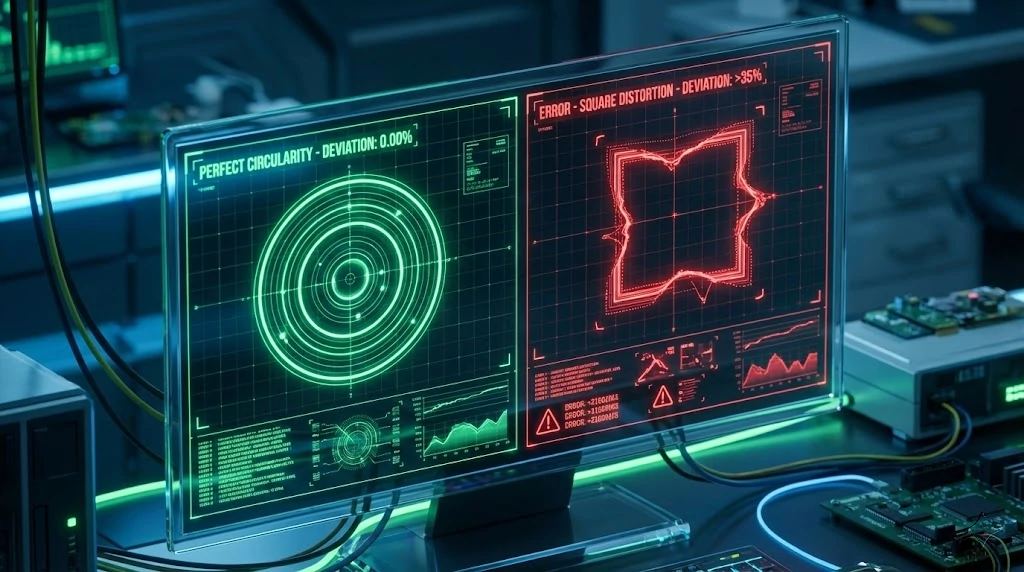
An original analog stick is designed to move in a perfect circle. However, cheap potentiometers often struggle to reach the corners or overshoot them, creating a "Square" input shape.
Circularity calculates the average error deviation from a perfect circle. We measure thousands of points as you rotate the stick.
2. The Numbers Don't Lie
You don't need to be an expert. Just look at the "Avg Error" number in our tool:
| Metric | Original Sony | Fake / High Copy |
|---|---|---|
| Avg Error | 8% - 12% | 18% - 25%+ |
| Shape | Circle | Square / Diamond |
| Polling Rate | 250Hz (Stable) | < 150Hz (Laggy) |
3. Why does it matter?
You might think: "It's cheap, so what?". Using a fake controller affects your gameplay severely:
Deadzone Issues
Fakes have massive built-in deadzones to hide their poor quality. You can't aim precisely.
No Calibration
Our NVS calibration tools usually CANNOT fix fake controllers because they use non-standard memory chips.
4. How to check yours?
- Connect your controller via USB.
- Go to the "Joystick Info" section on the dashboard.
- Select "Circularity" mode.
- Rotate your stick slowly 3-4 times.